15주차 · 2026-04-20 ~ 26
Catalogue of Making
The dissertation was done. The native app was working. The final deliverable that remained was a web site that could carry the project to anyone who opens a browser. A translation problem, not a development one.
By the end of Week 14 the project had two districts running under one system. Bugis and East Coast Park. Two sets of particles behaving under two different physics, two audio collections, two visual grammars. The project itself was effectively complete. What remained was the final web catalogue, which did not exist yet.
The problem with a web catalogue is that the project is an interactive real-time Python desktop application. The web has no Python, no direct GPU access through ModernGL, no OpenAL for 3D positional audio, no MediaPipe webcam pipeline. The Catalogue could not be the project. It had to be a translation of the project. What survives the translation and what does not had to be decided one component at a time.
THE PROBLEM OF TRANSLATION
Video was the first concession. A real-time fluid simulation reacting to live audio input does not exist on the Catalogue. What exists instead is recorded footage of the fluid simulation reacting to those recordings, presented as a video that plays when the page loads. This loses the interaction but keeps the visual. The alternative would have been a watered-down web fluid simulation running in WebGL, which would have been slow, visually different, and would have undermined the native app’s reason for existing.
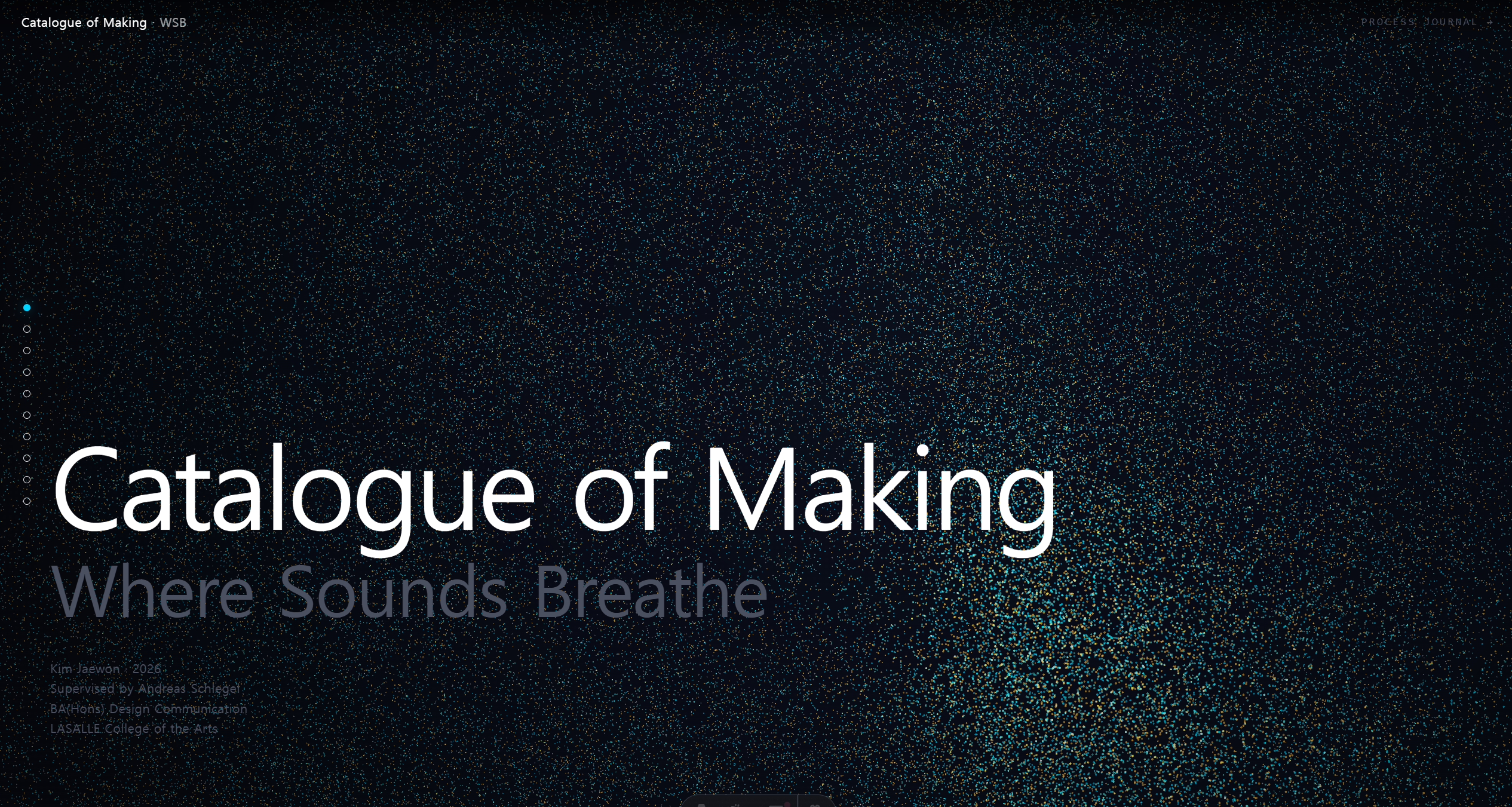
Each Outcome section opens with a Hero Film. Full viewport, autoplay on viewport entry, loop. The typography sits at the bottom left. The region accent colour bleeds through the background gradient. The decision was to let the video carry the entire first impression of each district and to let the structural information wait.
The Catalogue main page. Taxi exterior, the entry scene. Full-viewport Hero Film, typography at the bottom left, the neutral background gradient marking this as the entry state before a district has been chosen.
Three regions appear in this order. Main Page, Bugis Interior, East Coast Park Interior. The order matches the experiential order of the native app. The visitor opens the app, the taxi exterior loads, the neighbourhood selector appears, one district is chosen, the interior unfolds. The Catalogue preserves this sequence because the sequence itself is part of the project.
WHAT EACH SECTION CARRIES
Below each Hero Film sits a Materials section. Two tabs, Films and Stills. Films holds the additional video footage that did not make the Hero cut. Stills holds the captured frames that deserve attention but are not motion. A large preview, a caption, a horizontal thumbnail strip. A tab shows the count in parentheses. The structure compresses what could be dozens of images into a small screen height.
Every video had to be thumbnailed before it could be shown. FFmpeg extracted the first-second frame of each of the nine videos into a posters folder. The thumbnails then became the preview pane’s starting state, so the visitor sees something meaningful even before pressing play. This single decision changed the section from a grid of loading spinners into a readable gallery of first frames.
File paths became their own problem. The videos and audio were organised during the project with spaces in every filename. Bugis Landscape dot mp4. Full Interior Landscpae dot mp4, the typo preserved. Browsers do not tolerate spaces in URLs. Every media path in the site has encodeURIComponent applied before it becomes an src attribute. The file on disk keeps its original name and the URL gets its percent-twenty.
SOUND SECTION
The Sound section did not exist in the first design spec. It was added after the initial catalogue was built, once it became clear that the audio recordings were the point of the project and not backing material.
Two tabs per region. Ambient and Particle Touch. Twenty-one tracks on the Bugis side, twenty on the ECP side. Each track appears in a list with its number, title, and duration. Clicking a track loads it into the Now Playing pane, which shows a waveform visualisation responding to the current playback in real time.
The waveform uses the Web Audio API AnalyserNode. FFT size of 256, giving 128 frequency bins. The lower sixty-four are rendered as rounded bars across the canvas. The bar height is the current frequency amplitude, the bar colour is the region accent. Sixty frames per second, requestAnimationFrame driven, scaled for device pixel ratio. The same colour that marks the region on the tab is the colour that dances in the waveform when its audio plays.
One constraint enforces itself across the whole page. Only one audio track can be playing at any moment. Starting playback in Bugis silences any playback in ECP automatically, and vice versa. The implementation is a custom window event dispatched on play start, carrying the region ID. Every Sound section listens for this event, and any region that is not the sender pauses its own audio. This required no framework state, just the browser’s event system.
WHAT THE WEB CAN DO THAT THE APP CANNOT
One thing the Catalogue carries that the native app does not is navigation. The native app runs as a single-state immersive experience. Enter the taxi, choose a district, stay in that district. The Catalogue lets the visitor jump. The dot navigation on the left edge of the page links to all ten major sections. A visitor who wants to read about the audio system, or see the ECP forest, or compare the two districts side by side, can do all of this in any order.
Performance had to be handled carefully. Three Hero Films loading at once would put three parallel decode pipelines on the GPU. An IntersectionObserver was wired into every Hero Film, every Materials preview video, and every waveform canvas. Only the components currently in viewport are active. The other videos pause. The other waveforms stop their render loops. The page stays under ten percent GPU across the session.
REGIONS AS SIBLINGS
The Making sections sit between the Outcome sections. Technology Stack, Spatial Design, Fluid Simulation, Audio System, Visual Languages. Each Making section is a short explanation of how the thing above and below it was built. The alternation creates a reading rhythm where the visitor moves between what the project looks like and how it was made. Neither one alone makes the project understandable. Both together do.
The Visual Languages Making section. Three subsections, three accent transitions. The page colour shifts as the visitor scrolls from glass to hologram to bioluminescence.
By the end of Week 15 the Catalogue had three Hero Films, twenty-six still images, forty-one audio tracks, five Making explanations, and a single coherent visual language running through all of them. The project had found its second form.
최종 결과 · 주차 마감 상태